
To access and view your invoices and receipts, it is necessary to have administrative privileges for your account. At the beginning of each billing cycle, an invoice will be provided within your account, accessible under the Billing tab. A table will present all of your purchases, with the latest payments appearing at the top.
- Log in to your AroundDeal account.
- Next,Go to the Account tab.
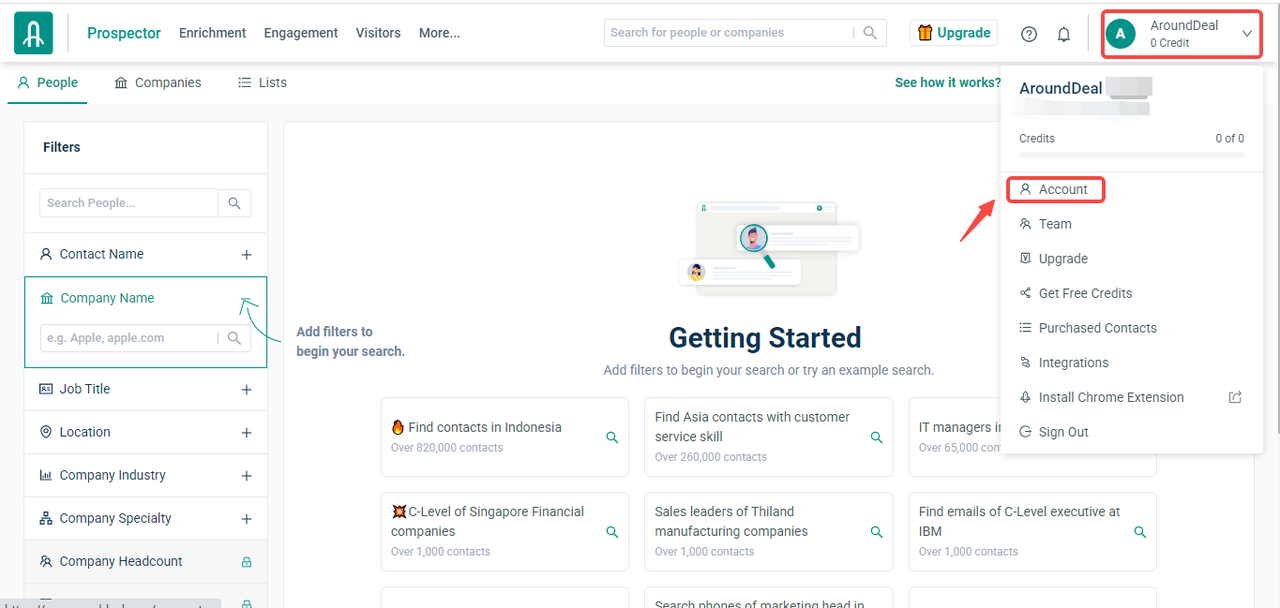
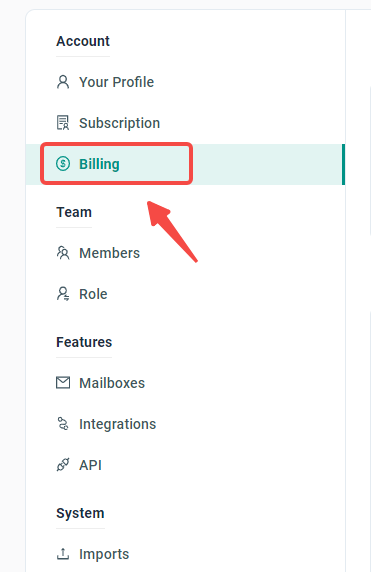
- Select "Billing" from the account list.
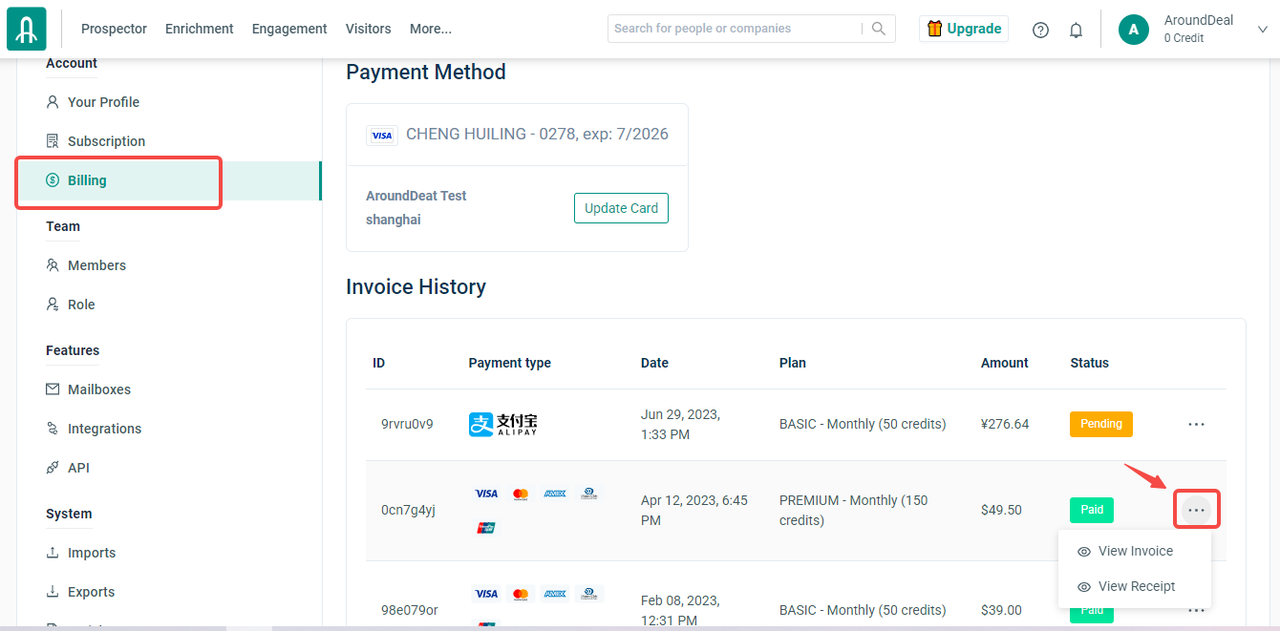
- In the invoice history list, when you click on the three dots on the far right of each ID, the options to view the invoice and view the receipt will appear.
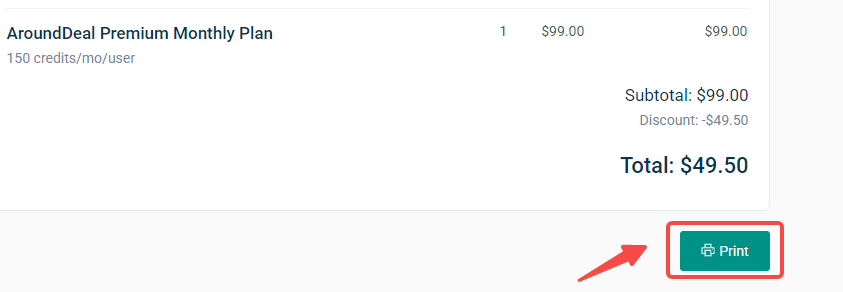
- Then you can choose between view invoice or view receipt and click on the "print" button to download.
To learn how to update the details on your invoice, please click here.