
AroundDeal Extension can be installed directly from the Chrome web store. 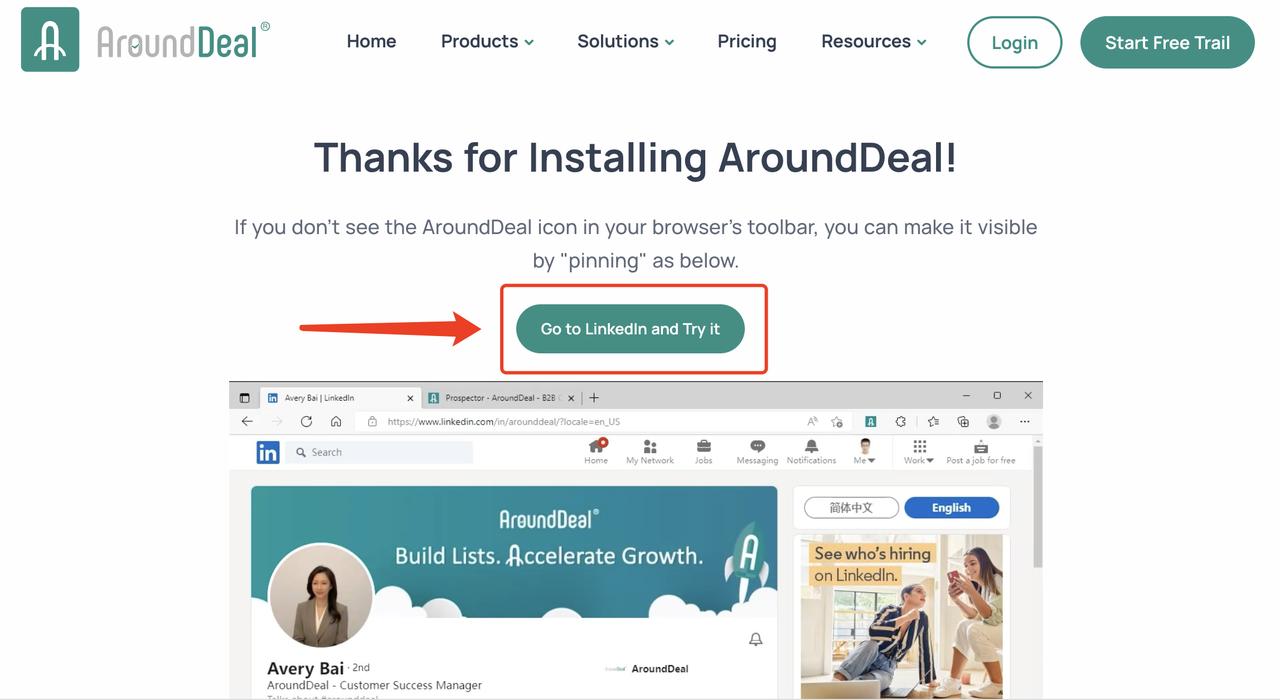
To Install the AroundDeal Extension and Prospect Faster in Seconds:
- Go to the Chrome web store
- Type in AroundDeal Extension
- Or use this direct link
- Click this button
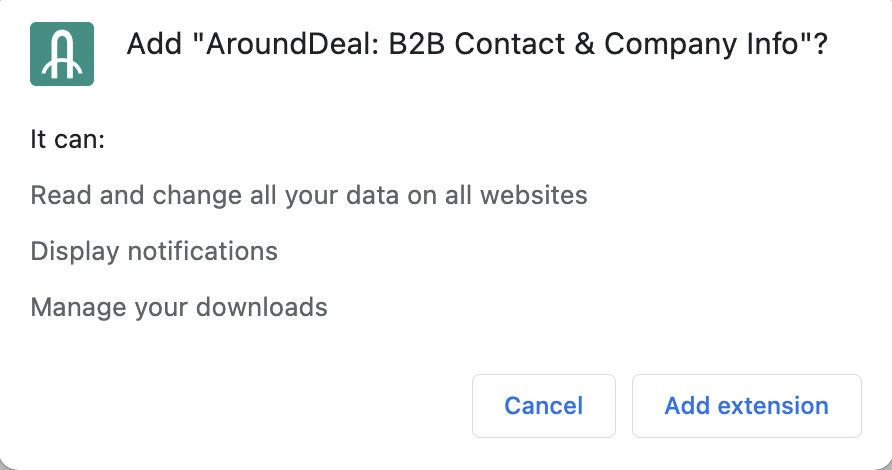
- This pop up will appear, click on Add extension
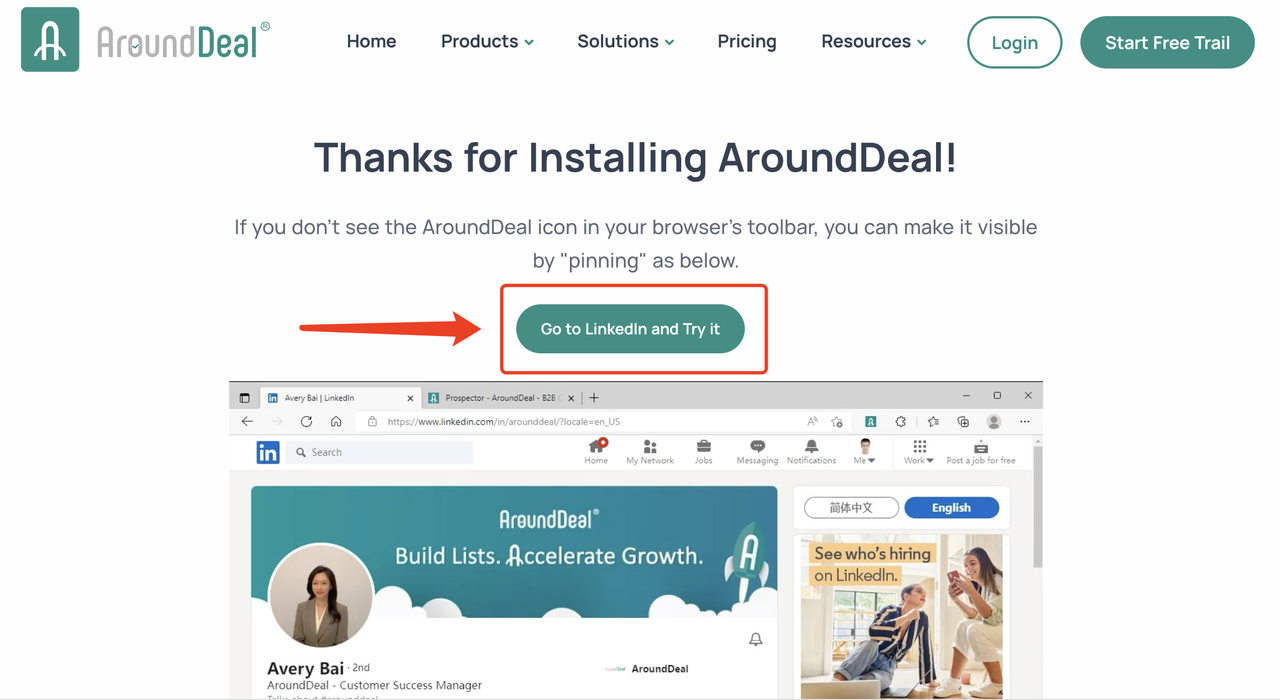
- The installation will run for a few seconds
- You're all set. You can now start prospecting faster on LinkedIn and any company website.
- Want to get the most value out of the AroundDeal Extension and learn more? Read this article.
If you would like to install the AroundDeal Extension on Edge, please click here.