How to Add AroundDeal Extension on Edge

Aug 22, 2023
Table of Contents
AroundDeal Extension can be installed directly from the Microsoft Edge Addons.


To Install the AroundDeal Extension and Prospect Faster in Seconds:

1.Visit the Microsoft Edge Addons webpage.
2.Enter "AroundDeal" in the search bar or use this direct link.
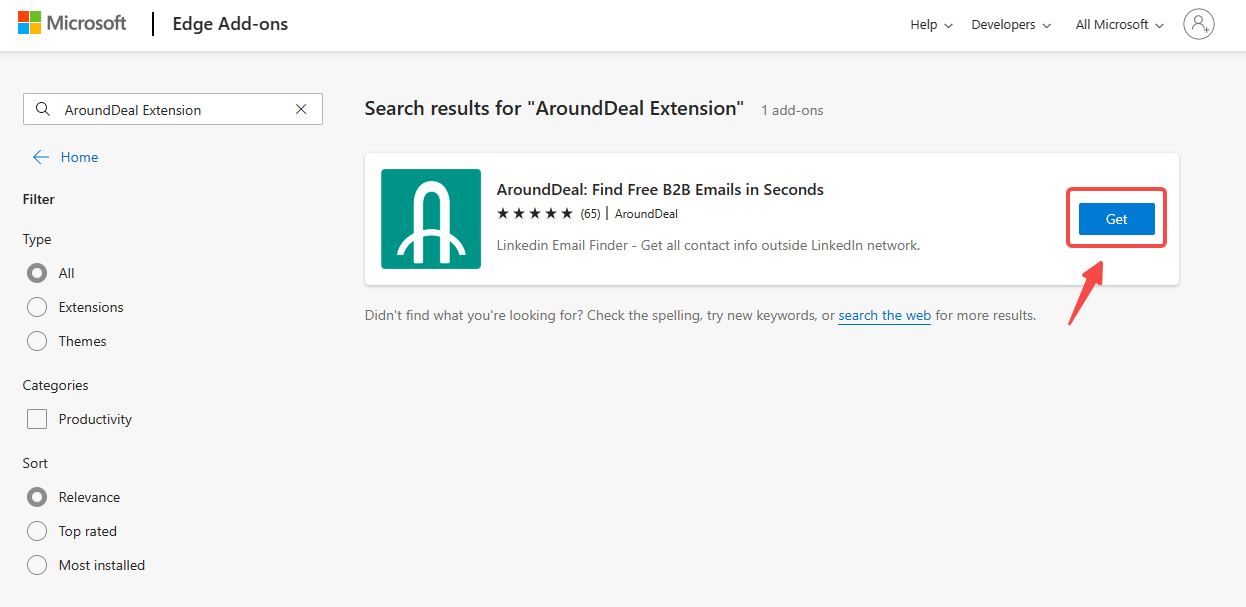
3.Click on the "Get" button.
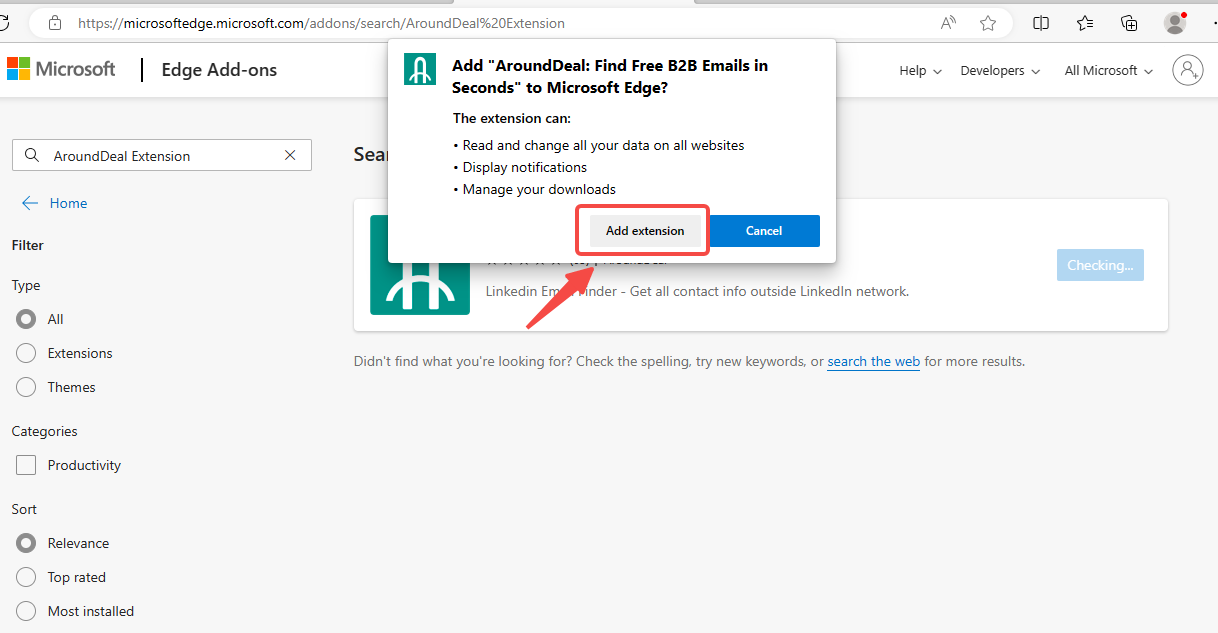
4.A pop-up window will appear, click on "Add extension."
5.The installation process will run for a few seconds.
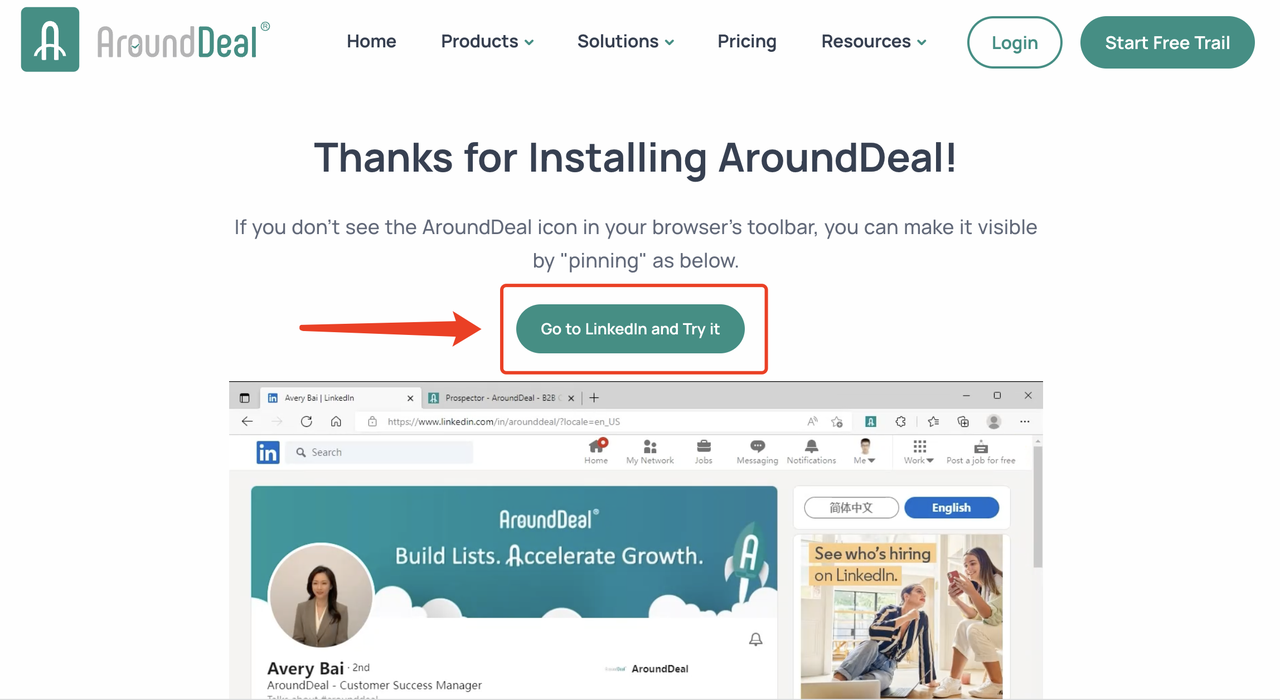
6.Congratulations! You are now ready to accelerate your prospecting on LinkedIn and any company website.

If you wish to install the AroundDeal Extension on Chrome, please click here.
MCP & API

Let Your Al Agent Find Contacts

Connect via MCP or API to search companies, discover contacts,and enrich data. Free credits every month!

Get Started for Free